
How are reporting and dashboards improved with Acumatica and AI agents?
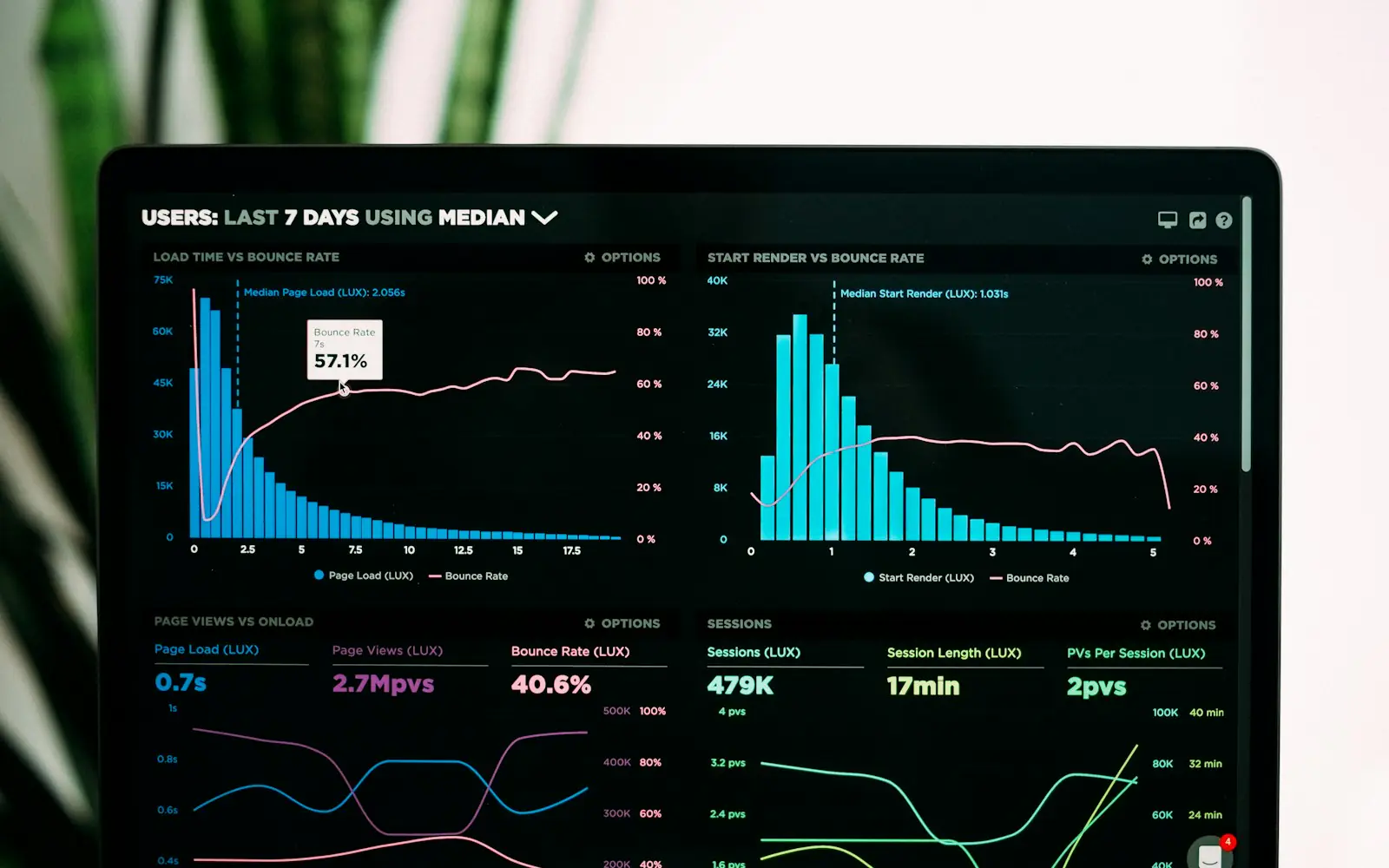
Decide with up-to-date numbers using Acumatica: role-based dashboards, generic inquiries with drill-down to the transaction, customizable financial statements and an AI assistant that answers in natural language with the user’s permissions. NeuroArk adds an agent that drafts your weekly summary from inquiries already calculated. Your manager reviews it before it goes out.
What does Acumatica do natively in reporting?
What your management team gets with Acumatica, depending on version, license and configuration.
Dashboards and indicators
Role-based dashboards with key indicators and drill-down to the transaction.
Generic inquiries
Inquiries with drill-down from summary to related transactions, which also feed AI and integrations.
AI assistant
Answers questions about your data in natural language with the user’s permissions, and presents tables, charts or widgets.
External tool connection
In 2026 R2, approved AI tools can read authorized ERP data in read-only mode.
How does the weekly summary run, step by step?
The inquiries are defined
Which indicators matter and how the ERP calculates them.
They are calculated in the ERP
Totals are calculated by the inquiry, not by the language model.
The summary is drafted
The agent narrates the results and flags anomalies.
It is reviewed
Your manager corrects and approves.
It is distributed
It reaches the authorized team by email or dashboard.
Results we measure with you
We measure your starting point and the result in your own operation. When we cite a public figure, its source is right there.
| Indicator | How we measure it | Public reference |
|---|---|---|
| Report preparation hours | Hours per week building the management report. | We measure it in your operation. |
| Reports with total errors | Reports corrected after being distributed. | We measure it in your operation. |
| Ad hoc requests to IT | Report requests that today go through a systems person. | We measure it in your operation. |
Public references come from other organizations; your result is measured with you.
Your team has the final say
- Your manager reviews the summary before distributing it.
- The agent only reads; it does not change ERP data.
- Totals are calculated by the ERP inquiry, not by the agent.
Security and scope, clear from the start.
- Sensitive data: we define the fields the agent may see, with masking and minimum permissions.
- What the assistant can answer depends on version, license and AI consumption; we confirm it before planning.
Your Acumatica, connected to your whole business.
We integrate, automate and add AI to your ERP. You set the scope, and your team approves what matters.
Weekly summary
Reads already calculated inquiries (sales, receivables, inventory, projects), drafts the summary and flags unusual changes. Your manager reviews it.
Variance explanations
Explains why an indicator changed, linked to the source transactions.
Management FAQs
Answers repeated questions in Spanish or English with authorized data, without changing records.
What about after go-live? We stay with you.
With Advanced Customer Care, NeuroArk’s monthly support plan, your operation keeps running after the project ends. We agree on the scope with you and put it in writing.
Pricing and service commitments are in your proposal.
Discover Advanced Customer CareWhat else might interest you?
Got questions? Here are the answers.
Can I ask Acumatica questions in natural language?
Yes. Its AI assistant answers with your data and the user’s permissions. Availability depends on version and license.
Why does the agent not calculate the totals?
Because a language model can make mistakes with many records. Totals are calculated by the ERP inquiry and the agent only narrates them.
Can I connect ChatGPT or Claude to Acumatica?
Acumatica describes read connections through MCP in 2026 R2 for approved tools. We review security and scope with you before turning it on.
How many hours does it save?
We measure it with your numbers: we record your current preparation hours before the pilot and compare them after.
Let’s talk about your operation.
Tell us which system you use today, how many users and entities you have, and what you want to connect. We’ll show you where to start.
Sources and review date
Last updated: . Capabilities change; confirm at the source.
NeuroArk, a department of Comm’In, an authorized and certified Acumatica partner.